One of the most valuable yet often overlooked applications of 3D laser scanning and reality capture technology is the digital preservation of historical sites. Around the world, countless heritage structures face decay, weathering, or structural instability. Without an accurate as-built 3D model to reference, restoration teams can struggle to document original details or plan repairs with confidence.
However, using modern laser scanners like the Leica BLK360 G2, these sites can be captured with millimeter-level accuracy to create point clouds, digital twins, and 3D reconstructions for reference, measurement, and virtual tours.
History of the Unfinished Church in St. George’s, Bermuda (UNESCO Heritage Site)
In the town of St. George’s in the island nation of Bermuda, there lies a less well-known UNESCO world heritage site. An unfinished cathedral, designed by Scottish Gothic architect William Hay, stands exposed to the elements and the harsh sun. It lacks a roof, and its stone arches remain windowless, allowing grass and flowers to grow around and inside the building. This makes it a great destination on the island for weddings, photoshoots, and the like.
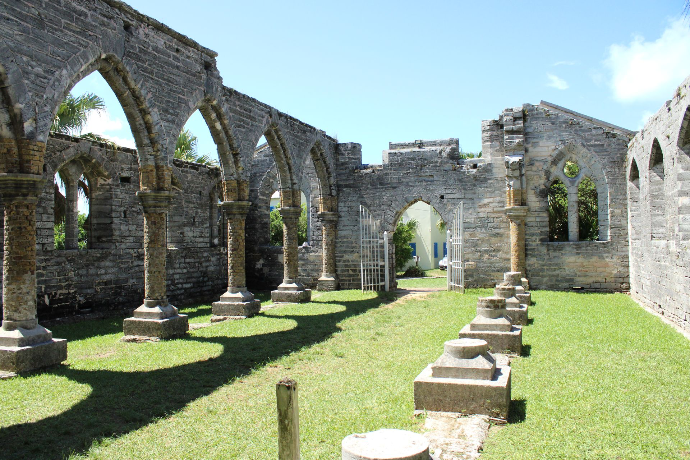
The cathedral was originally planned in the 1870s when the nearby church of St. Peter’s was damaged by a storm. The Unfinished Church was intended as a larger replacement, and would have been one of the largest churches on the Island, however, due to funding shortages and disagreements among the parish over worship style, the project petered out by the end of the 1880s.
Eventually, the parish decided to restore the originally damaged St. Peter’s church, which still stands today, instead of finishing the church designed by Hay. Hay’s focus was diverted to other projects in Bermuda’s largest city, Hamilton, instead, where he successfully completed a renovation and redesign of the Hamilton Trinity Church. Today, the Unfinished church, now a UNESCO world heritage site, stands as a testament to what could have been his defining work.
This site is not only architecturally significant but also an ideal example of how reality capture and laser scanning can support long-term heritage conservation.

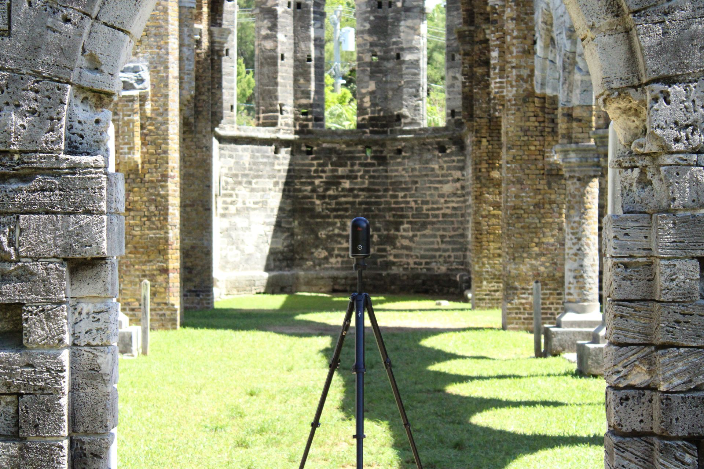


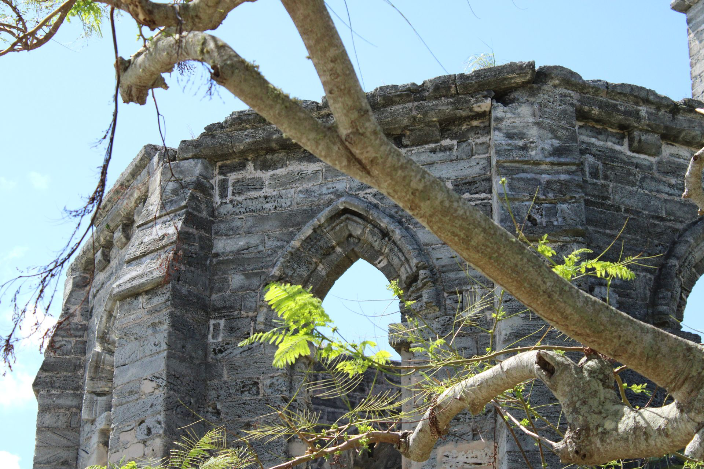
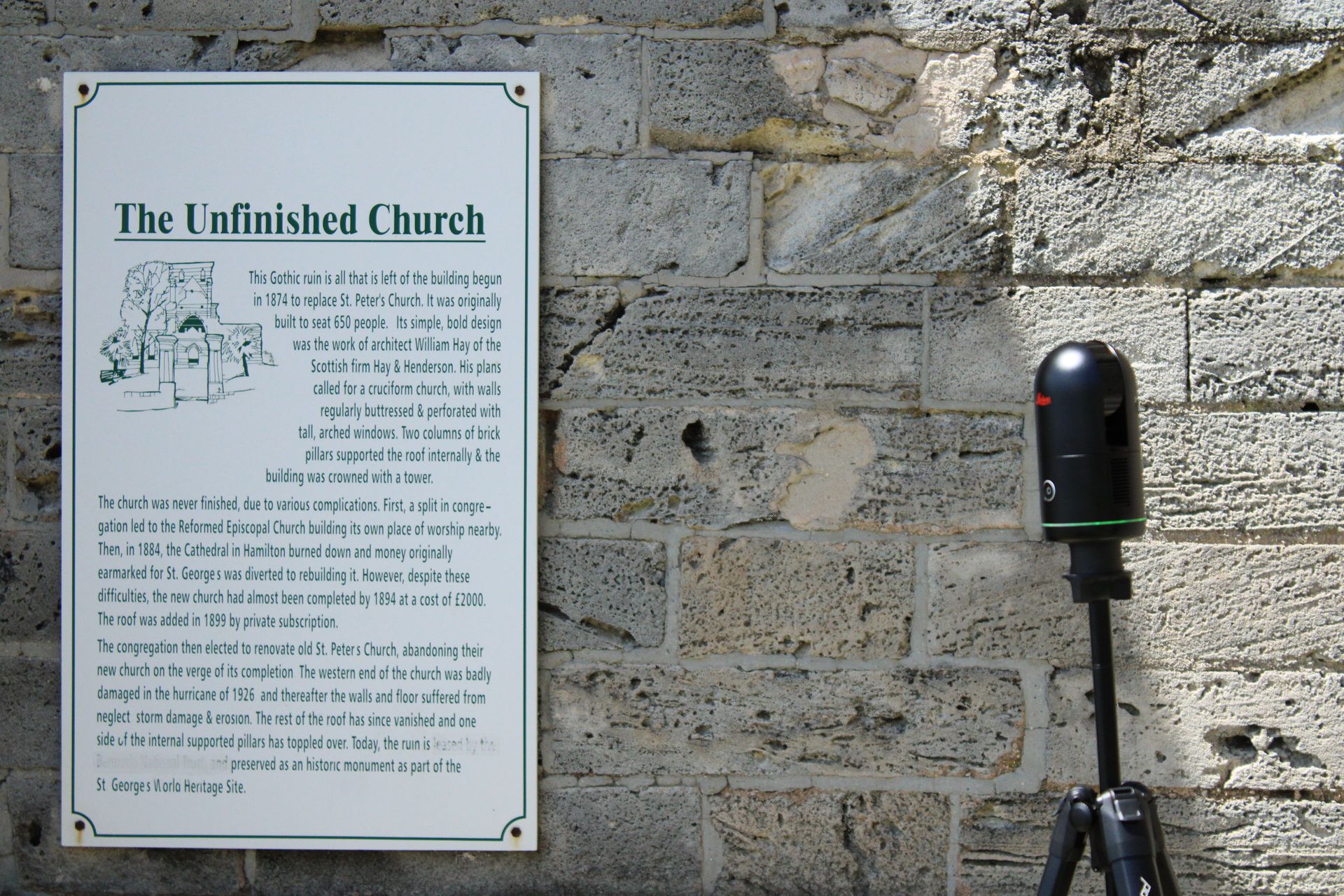
Reality capture technology has long served purposes beyond industrial site surveying. It’s also perfect for digitally preserving historical sites as well. We in the R-E-A-L.iT team had the opportunity to scan this church with the Leica BLK360 G2 in September of 2024. You can view the data from this scan for free at the end of the article if you’re interested in looking through it yourself.
Best scanning practices
It’s best practice to consider what your goal is when scanning large outdoor structures with the BLK360 and adjust your approach to match. If your goal is to create a model that accurately conveys both geometry and the atmosphere of the site, make sure to keep imagery capture enabled. The BLK360 G2’s HDR imagery adds immense value for cultural preservation projects, allowing future researchers and visitors to visualize lighting, material color, and surface condition as they appeared during the scan. Turning imagery off might save a little time, but you lose much of the site’s visual storytelling potential.
Interested in the BLK360 G2?
Learn more about the high accuracy laser scanner from Leica Geosystems.
Some locations can feature uneven ground, fragile structures, or limited flat areas to place your scanner, investing in the right setup accessories can make a big difference. Tools like Scan&Go’s tripods, levelling bases, and transport trolleys can help you achieve stable, well-aligned setups even on rugged terrain. These are especially useful in open-air or ruined environments like the Unfinished Church, where traditional tripod setups can be unstable or difficult to position safely. For maximum coverage, try to position the scanner in transitional points like doorways, archways, and windows, so that both interior and exterior geometry can be captured, stitching the site together efficiently with fewer blind spots.
Also consider adjusting your scanning settings based on your project’s purpose. For documentation or rapid visualization, a medium density scan may suffice. But if your aim is digital preservation or detailed 3D reconstruction, you may want to use the higher available settings for density, even if it means longer scanning times. Historical sites don’t always offer a second chance for capture. Also, when working in tourist areas or public heritage spaces, be mindful of people walking through your scans. If possible, scan early in the morning or some other less busy time. For unavoidable foot traffic, you may want to repeat scans from key positions once the area clears; REGISTER 360 PLUS can later filter moving artifacts from the dataset for a cleaner, more accurate model.
Registering and cleaning the data
Once your scan is done, you can use BLK Data Manager, a free software provided by Leica, to directly download it. Once you have your data ready to go, the industry-standard software for registering BLK360 scans is always Cyclone REGISTER 360 PLUS. You can learn more about the Cyclone REGISTER 360 PLUS software from Leica here if you are unfamiliar with it. At this point, you can register your scans to make sure they are all aligned correctly. Once registered, the next step is cleaning and optimization.
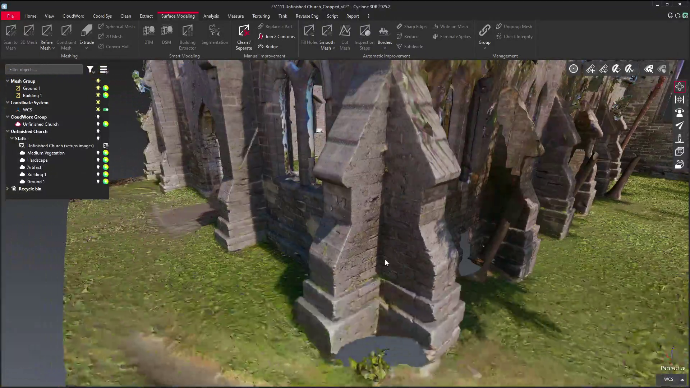
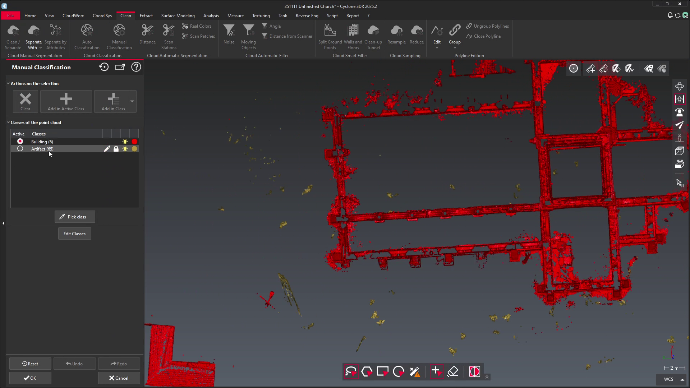

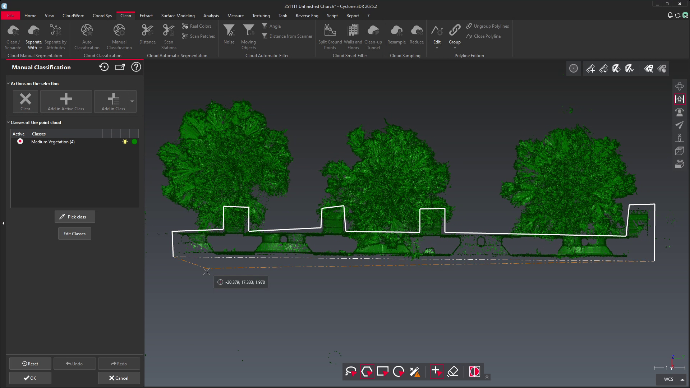

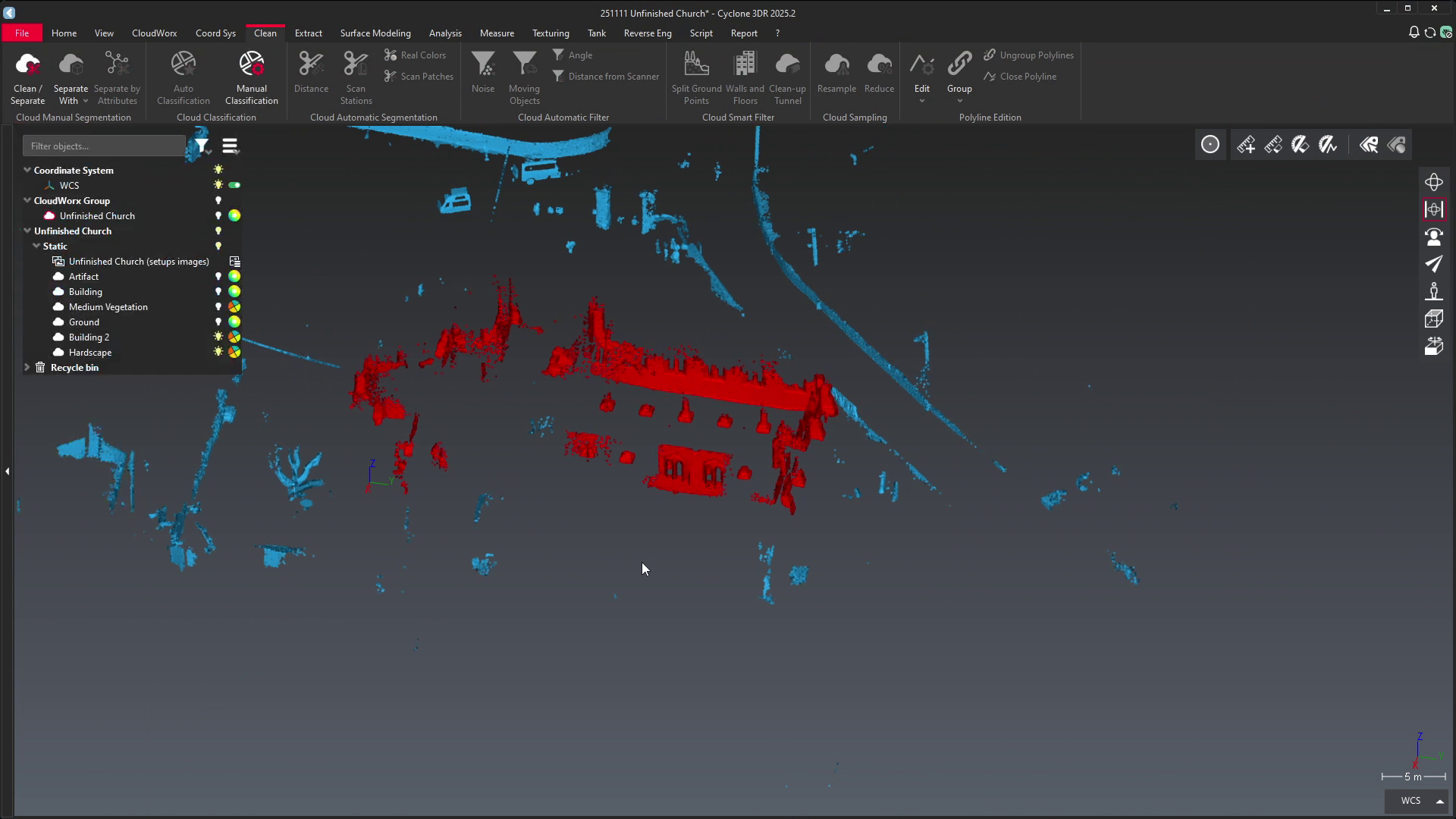
In our case, at this point we needed to clean out all the people that made their way into scans. Especially when capturing historical or archeological sites, this is bound to be a normal occurrence. Luckily, Cyclone REGISTER 360 PLUS is an intelligent software designed for cases like this, so we can remove a lot of these instances automatically with the “Detect Moving Objects” feature. Any other static or skewed data can be quickly cleaned up manually.
Finally, time to produce a finished product: a high quality visual point cloud that’s perfect for taking measurements, preservation, or even displaying for digital tours.
For an example of what this data might look like, here is our finished data, turned into a mesh and then a model you can view interactively below.
Unsure of how to perform some of the steps mentioned in this article? Don’t worry, we’re here for you. For more information and tutorials on how to use Cyclone REGISTER 360 PLUS, check out our dedicated page our youtube channel. If you have further specific questions, we’re always happy to help. Contact us here and we’ll reach back out to you as soon as possible!
